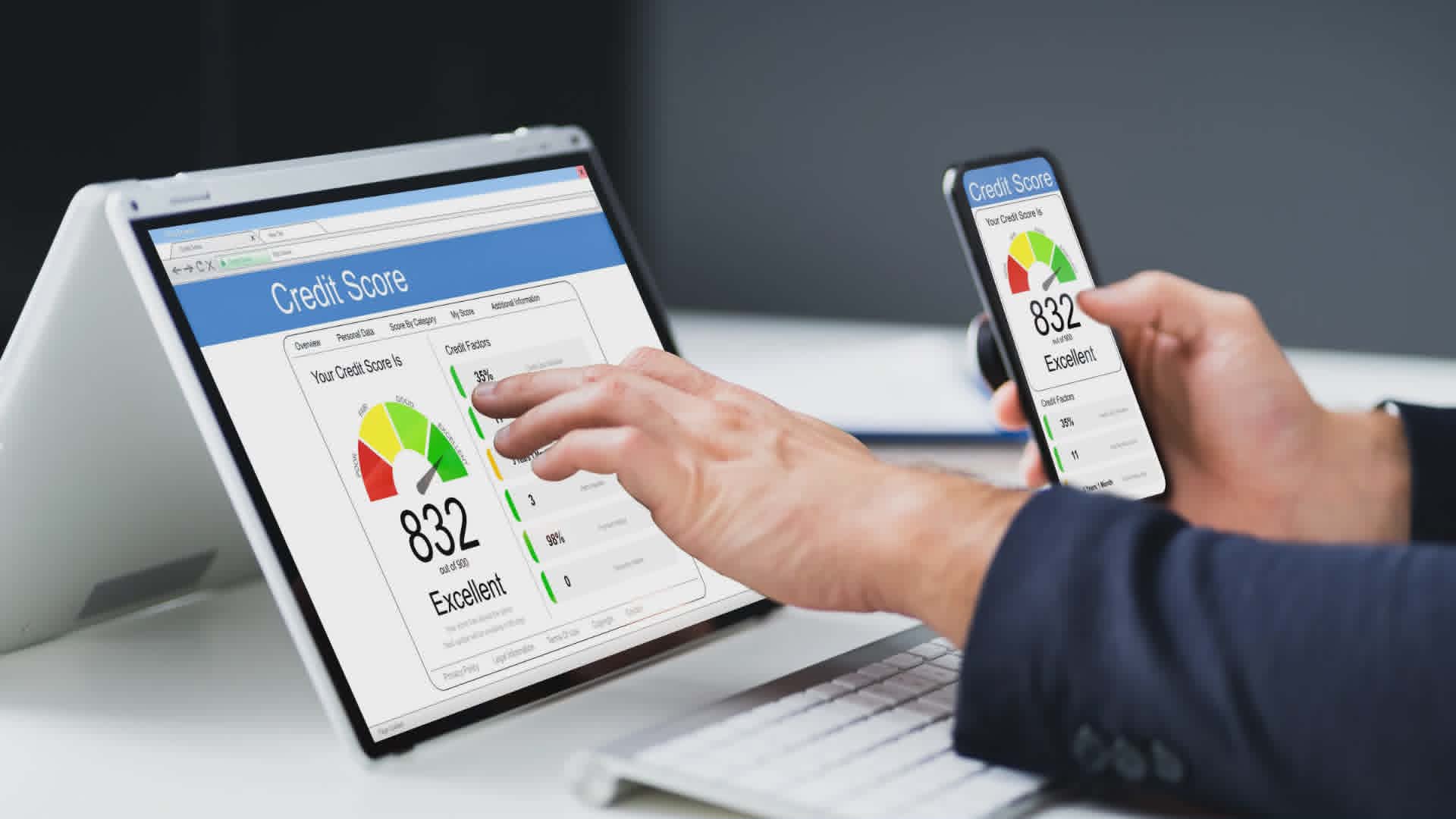
Errors on your business credit report are more common than most business owners realize, and leaving them uncorrected can quietly limit your access to vendor terms, financing, and favorable rates. If you find an inaccurate payment record, a misapplied tradeline, or outdated information on your D&B, Equifax Business, or Creditsafe report, you have the right to dispute it directly with the bureau. This guide walks you through exactly how to do that, bureau by bureau.
Note: Ruproa is not affiliated with Dun & Bradstreet, does not supply Paydex scores or D-U-N-S numbers, and does not report to them. You register for a D-U-N-S number with D&B directly, and it is free. Ruproa reads and reports to Creditsafe and Equifax Business.
Why Business Credit Report Errors Are More Common Than You Think
Business credit reporting is largely automated. Vendors and lenders submit payment data to bureaus in bulk, and mistakes happen more often than the system would suggest. A payment submitted under a slightly different business name, an account linked to the wrong EIN, or a tradeline that never got updated after a dispute was resolved can all show up on your report without you knowing.
Unlike personal credit, there is no federal law that requires business credit bureaus to investigate disputes within a set timeframe or gives your business the same formal protections consumers have. That means the responsibility for catching and correcting errors falls almost entirely on you.
The most common errors business owners find include:
Late payments reported incorrectly when invoices were paid on time
Tradelines belonging to another business with a similar name or address
Accounts showing an incorrect balance or credit limit
Outdated negative information that should have aged off the report
Business information errors such as wrong address, phone number, or EIN
Duplicate accounts reporting the same debt twice
Monitoring your business credit regularly is the only reliable way to catch these before they affect a funding decision.
How to Dispute with D&B
To dispute an error on your D&B report, you need to contact Dun & Bradstreet directly. D&B manages disputes through their Customer Service team and, for registered businesses, through the D&B Credit Builder portal.
Step 1: Pull your D&B report
Before filing a dispute, confirm exactly what is on your report. Your D&B business credit file is accessed through D&B's own website, since Ruproa does not monitor D&B. Ruproa tracks your Creditsafe and Equifax Business files monthly, with more bureaus on the way.
Step 2: Identify the specific error
Note the tradeline, account, or piece of information that is incorrect. Be specific: the vendor name, the reported payment date, the amount, and what the correct information should be.
Step 3: Gather supporting documentation
Collect proof that supports your dispute. This could include invoices marked paid, bank statements showing payment, vendor confirmation emails, or any written correspondence that contradicts what D&B has on file.
Step 4: Submit your dispute
Contact D&B through their iUpdate portal (available on the D&B website) or by calling 1-800-463-6362 for more complex disputes. Provide your DUNS number, a clear description of the error, and attach your supporting documents. D&B will investigate by reaching out to the vendor or data source that submitted the information.
Step 5: Follow up
D&B does not have a legally mandated investigation timeline for business disputes. Follow up if you have not received a resolution within 30 days.
How to Dispute with Equifax Business
Equifax Business disputes are handled separately from Equifax's consumer division. You cannot dispute a business credit error through the same process you would use for a personal credit report.
Step 1: Access your Equifax Business report
Obtain your current Equifax Business credit report. Ruproa monitors your Equifax Business score monthly so you always have an up-to-date view of what is on file.
Step 2: Document the error
Write down the specific item you are disputing, including the creditor name, account type, reported date, and the nature of the error.
Step 3: Contact Equifax Business directly
Submit your dispute through the Equifax Business Information Services portal or by mailing a written dispute letter to their business credit department. Include your business name, address, EIN, and a clear explanation of the error along with copies of your supporting documents.
Step 4: Wait for investigation
Equifax Business will contact the data furnisher (the vendor or lender who reported the information) to verify the disputed item. If the furnisher cannot verify the information, Equifax is required to correct or remove it.
Step 5: Check your report after resolution
Once Equifax notifies you of the outcome, pull your report again to confirm the correction appears as expected.
How to Dispute with Creditsafe
Creditsafe handles business credit disputes through their customer support team and, for businesses with a Creditsafe account, through their online portal.
Step 1: Review your Creditsafe report
Identify the specific error on your Creditsafe business credit file. Ruproa monitors your Creditsafe score alongside Equifax Business, so you can spot discrepancies between the two from one dashboard.
Step 2: Prepare your dispute
Document the error clearly. Note the account, the incorrect information, and what the correct information should be. Attach any documentation that supports your position.
Step 3: Submit through Creditsafe's dispute process
Contact Creditsafe directly through their website or customer support channels. Provide your business details, a description of the error, and your supporting documents. Creditsafe will review the submission and follow up with the data source.
Step 4: Monitor for the update
Creditsafe updates business credit files as new information is verified. Check your report after 30 to 60 days to confirm the correction has been applied.
What Happens After You File a Dispute?
Once a dispute is filed, the bureau contacts the data furnisher, the vendor, lender, or creditor who originally reported the information, and asks them to verify it. There are three possible outcomes:
1. The furnisher confirms the information is correct.
The bureau keeps the item as reported. You can request a note of dispute be added to your file, but the entry stays. If you still believe the information is wrong, your next step is to contact the vendor or creditor directly and ask them to correct their records.
2. The furnisher cannot verify the information.
The bureau is required to correct or remove the item. This is the most favorable outcome and happens when the vendor no longer has records supporting what they reported.
3. The furnisher updates the information.
If there was a partial error, such as a wrong payment date or incorrect balance, the bureau updates the entry to reflect the corrected data.
Most disputes are resolved within 30 to 45 days, though timelines vary by bureau since business credit disputes do not carry the same regulatory deadlines as consumer credit disputes.
If your dispute is rejected and you believe the decision is wrong, your options are to contact the data furnisher directly to request a correction at the source, or to add a statement of dispute to your credit file explaining your position.
Frequently Asked Questions
Disputing errors on your business credit report can feel complicated, but the process is straightforward once you know what each bureau requires. Here are answers to the most common questions business owners have about the dispute process.
How do I dispute an error on my business credit report?
Contact the bureau directly where the error appears. D&B, Equifax Business, and Creditsafe each have their own dispute process. You will need your business identifying information, a clear description of the error, and supporting documentation such as payment records or bank statements.
How long does a business credit dispute take?
Most disputes are resolved within 30 to 45 days. Unlike personal credit disputes, business credit bureaus are not legally required to complete investigations within a specific timeframe, so timelines can vary. Following up after 30 days is recommended if you have not received a response.
What errors are most common on business credit reports?
The most common errors include incorrectly reported late payments, tradelines linked to the wrong business, outdated negative information, duplicate accounts, and incorrect business details such as address or EIN. Monitoring your report regularly is the most reliable way to catch these early.
Can I dispute errors at every bureau?
Yes. Each bureau maintains its own separate business credit file and handles disputes independently. An error on your D&B report will not automatically be corrected on your Equifax Business or Creditsafe file. You need to file a separate dispute with each bureau where the error appears.
What happens if my dispute is rejected?
If a bureau sides with the data furnisher, you can contact the vendor or creditor directly and ask them to submit a correction to the bureau. You can also request that a statement of dispute be added to your credit file so future lenders can see your position.
Monitor Your Reports So Errors Don't Surprise You
The most effective way to handle business credit report errors is to catch them before they affect a funding decision. By the time most business owners discover an error, it has already been on their report for months.
Ruproa monitors your business credit at Creditsafe and Equifax Business every month from one dashboard, with more bureaus on the way. When something changes on your report, you know about it right away, giving you time to dispute and correct it before it becomes a problem.